Wishsway adds a wishlist to your Shopify storefront: a heart on every product, a wishlist page inside your own theme, and reminder emails that bring customers back to what they saved. Set up in minutes, no code.
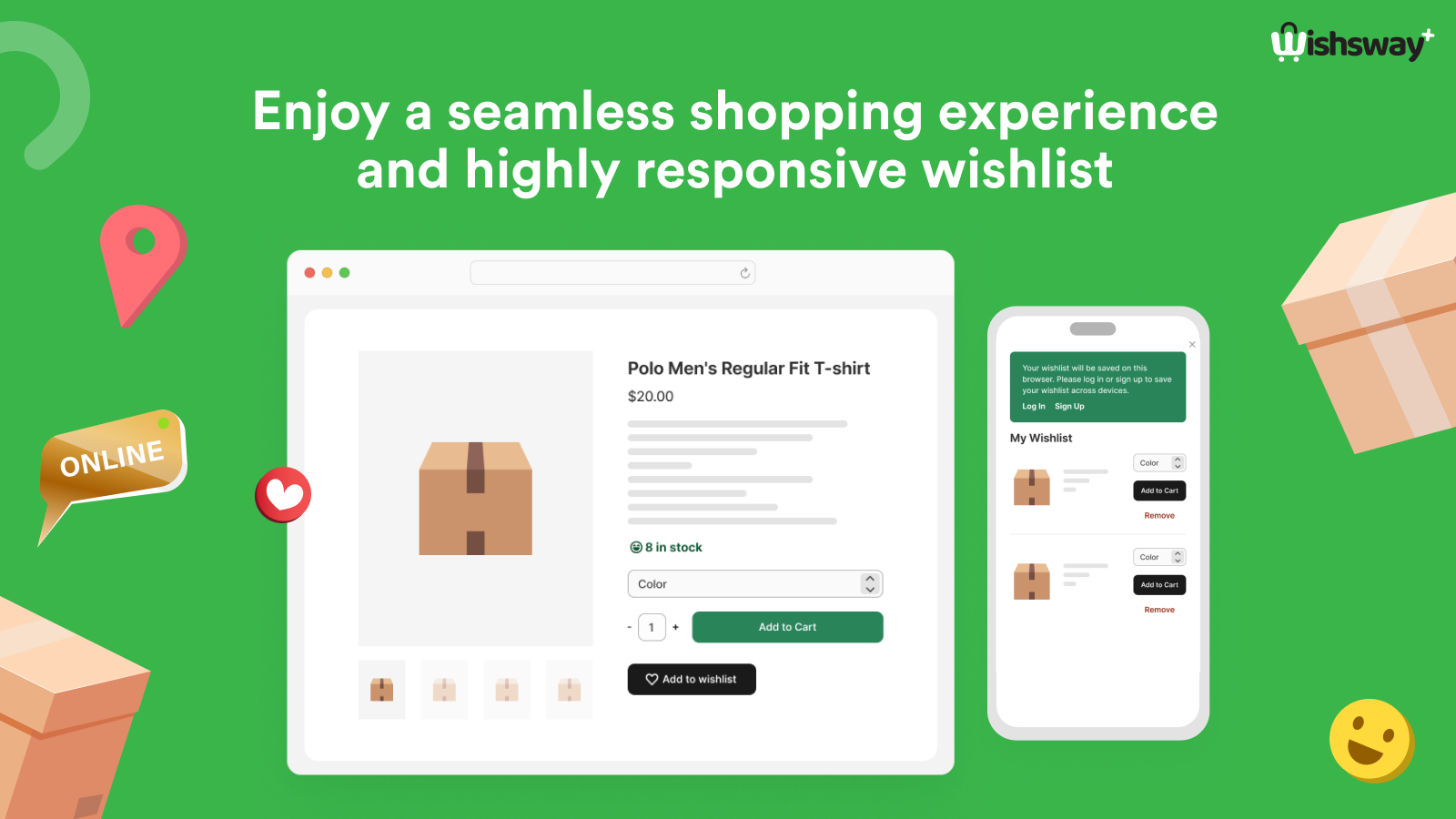
Built for return visits and average order value — the two numbers a wishlist actually moves.
Icon, text or both — on product pages, product cards and as a header menu item with a live counter. Styled to match your theme.
Rendered inside your storefront through Shopify's app proxy, so it looks and feels like the rest of your store — variants, prices and add-to-cart included.
Visitors can save without logging in; when they sign in, their wishlist follows them across devices.
Customers share a wishlist link with friends and family — a gift list that sends new visitors to your store.
Bring shoppers back to the products they saved, on the schedule and from the sender you choose.
Adds, removes, wishlist customers and wishlist revenue — see what the wishlist is doing for your store.
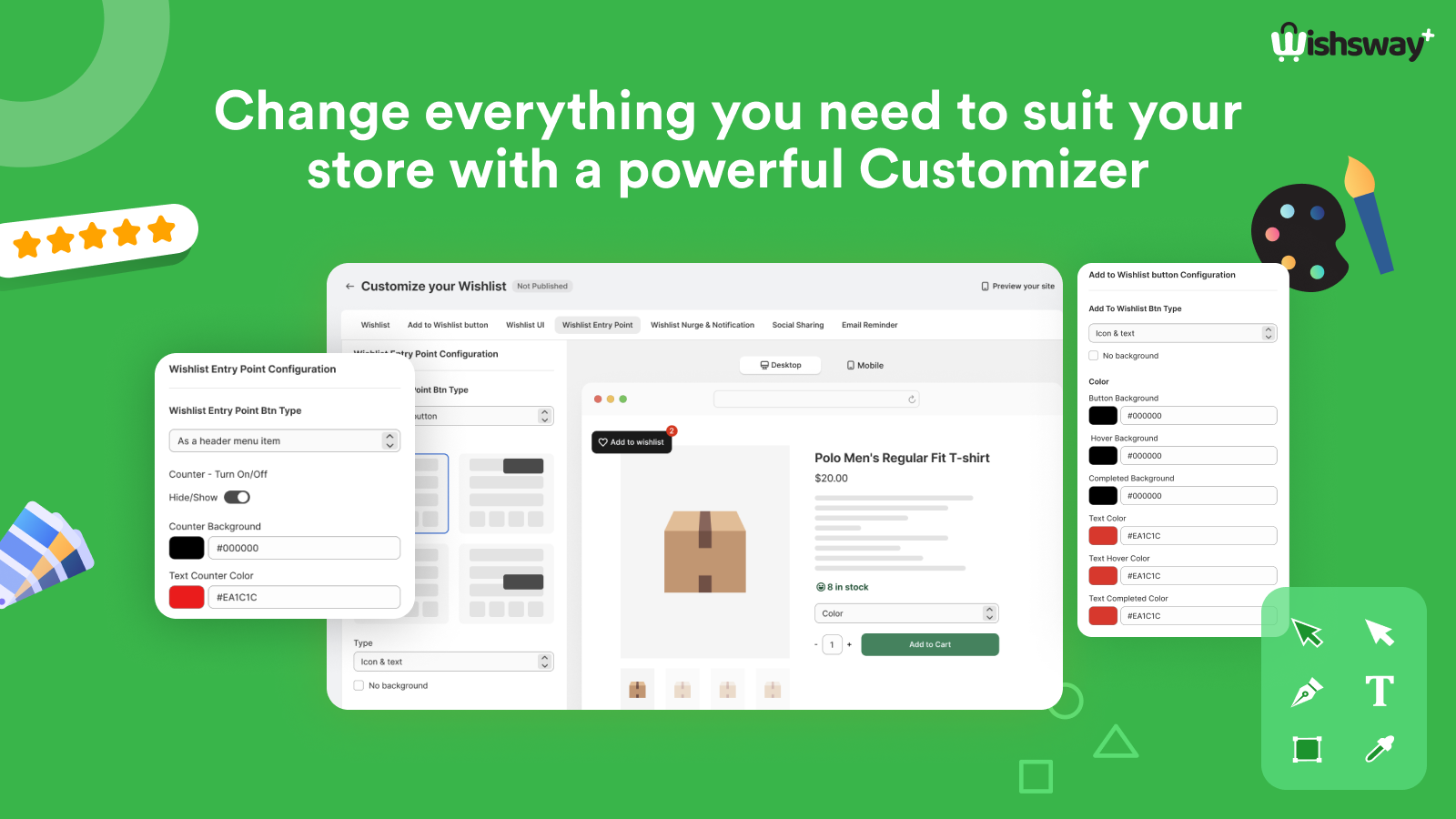
No developer needed.
One click, standard Shopify permissions. Wishsway appears in your admin.
Pick the button, the entry point, the wishlist page layout and colours — with a live desktop and mobile preview.
Turn on the Wishsway block in your theme editor — the wishlist is live on your storefront.
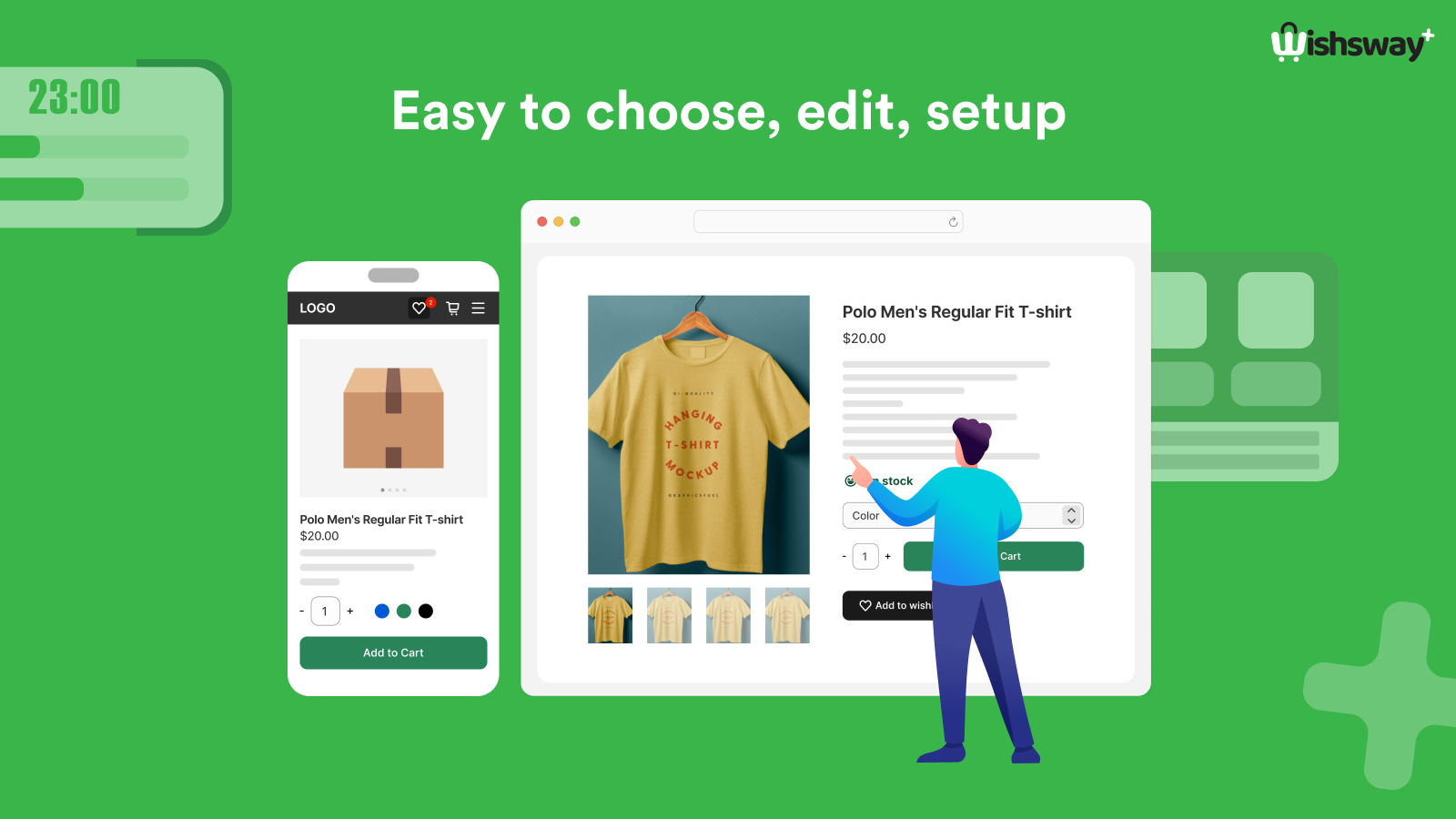
A theme app extension, not injected script: light on the page, responsive on every screen, and nothing left behind in your theme when you uninstall.
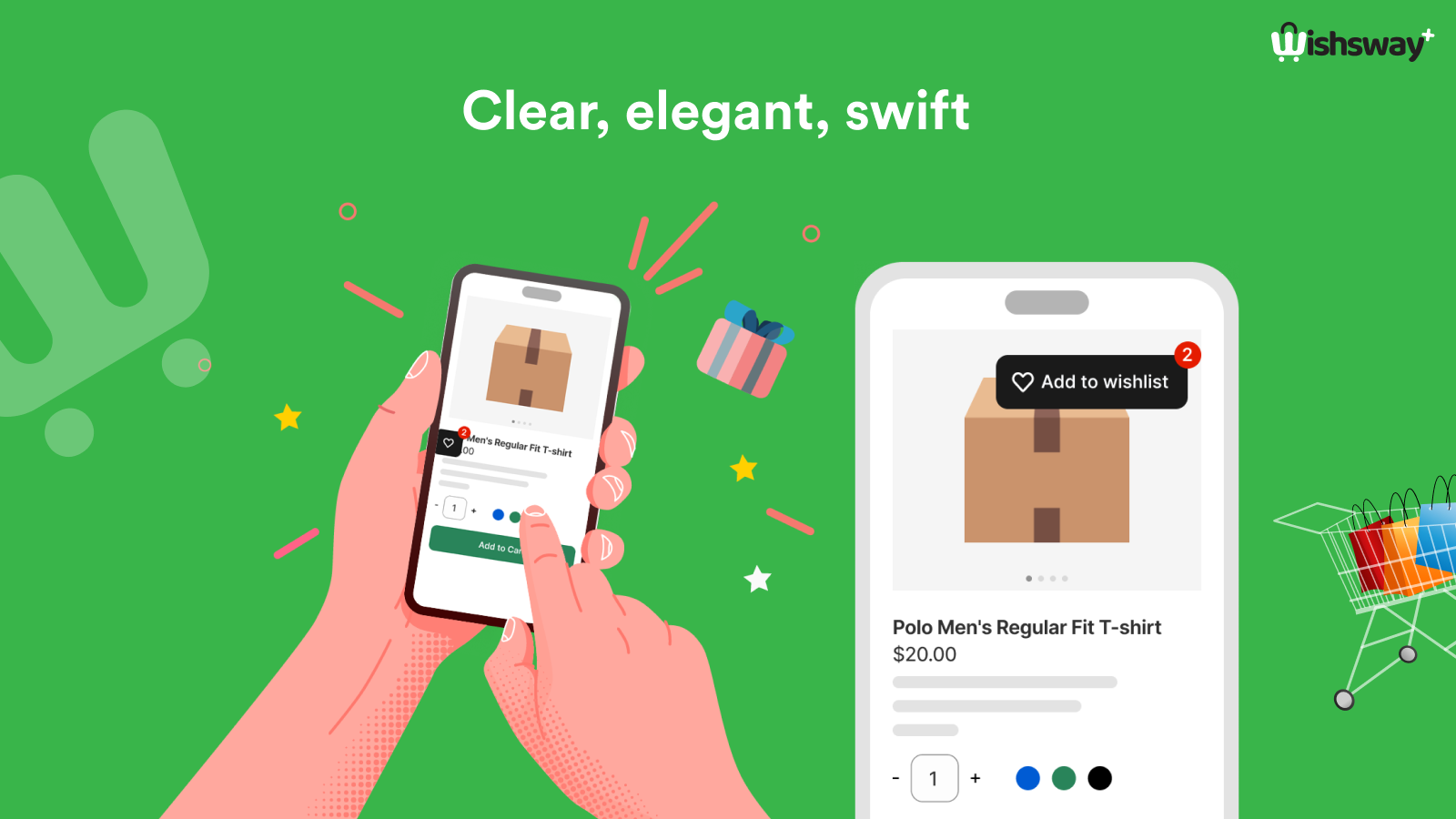
Questions, feature requests or a bug? Write to [email protected]. We answer within one business day.
 Wishsway